


eClass
eClass Intranet (Parents / Students)
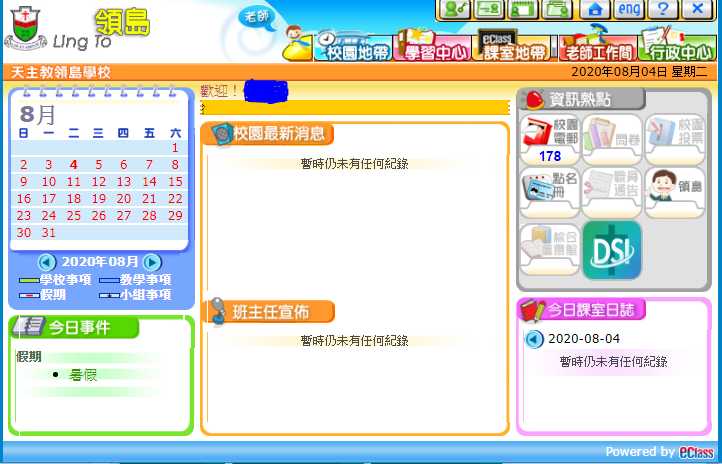
The school provides eClass Intranet accounts for students and parents. Through the platform, students and parents can access various types of school information, sign and return electronic notices, submit applications, and communicate with the school.
Users can access eClass conveniently via either the web version or the mobile app.
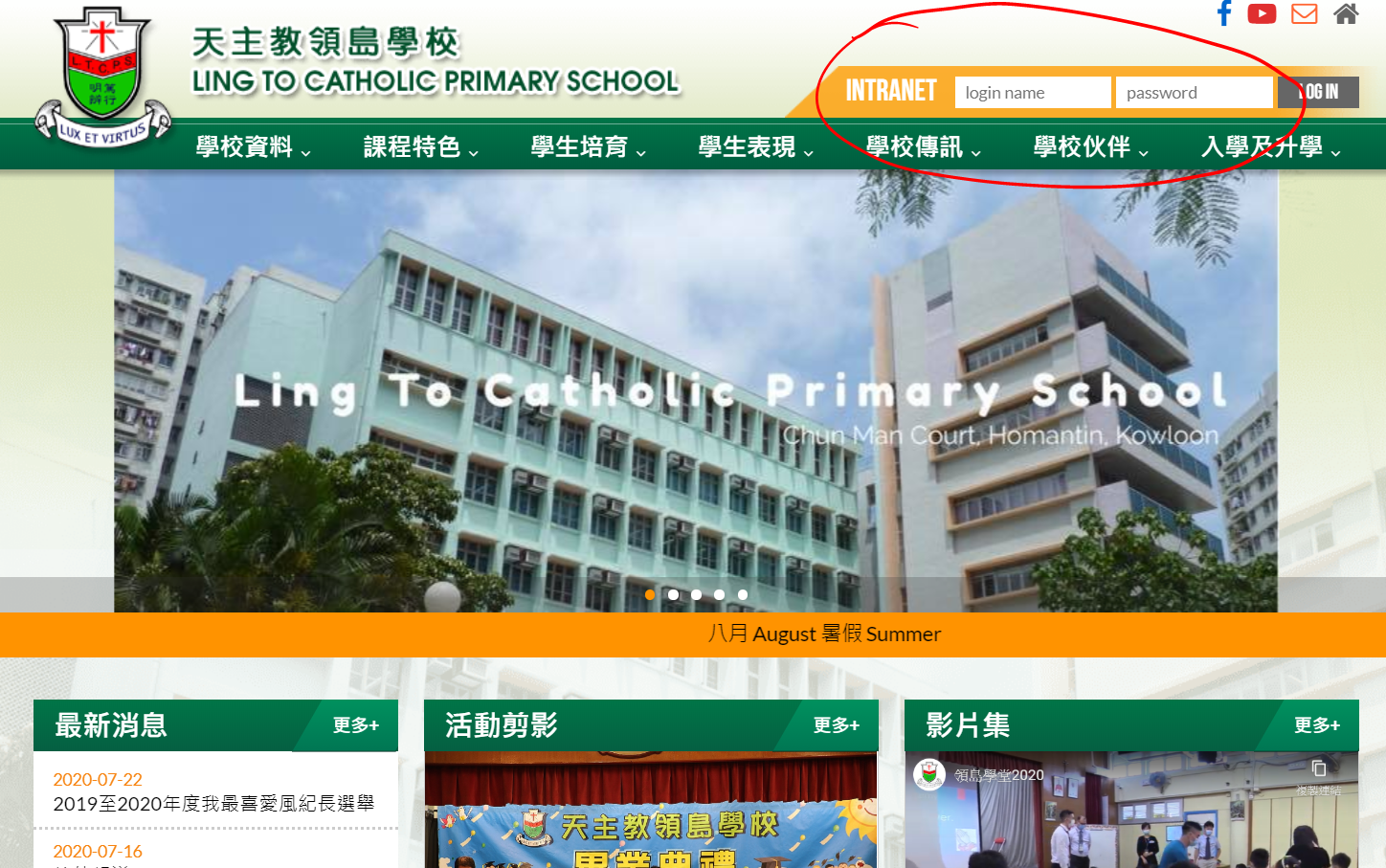
Students and parents can log in to the eClass Intranet using their username and password.
Parent Account
Username: Lowercase “p” + a five-digit number
Example: p20111
Password: Please refer to P.18 of the Student Handbook.
Student Account
Username: Lowercase “s” + a five-digit number
Example: s20111
Password: Please refer to P.18 of the Student Handbook.
eClass Web Version and Mobile App
Web Version
Users can access eClass through the web version.
Mobile App
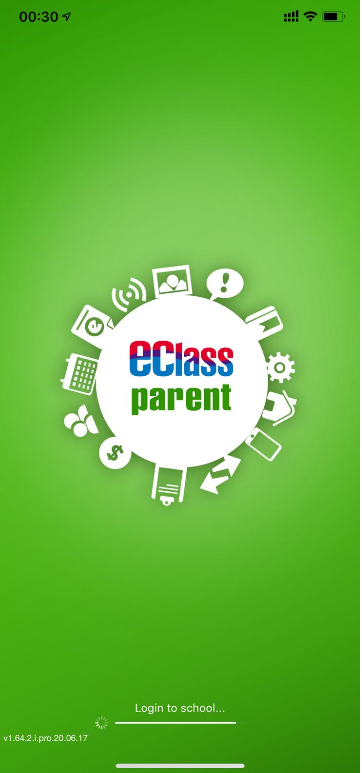
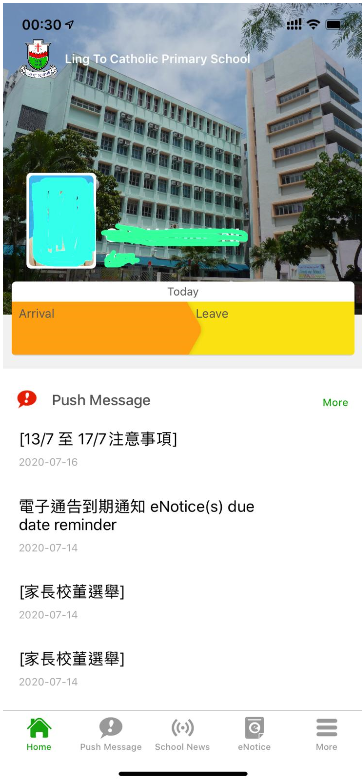
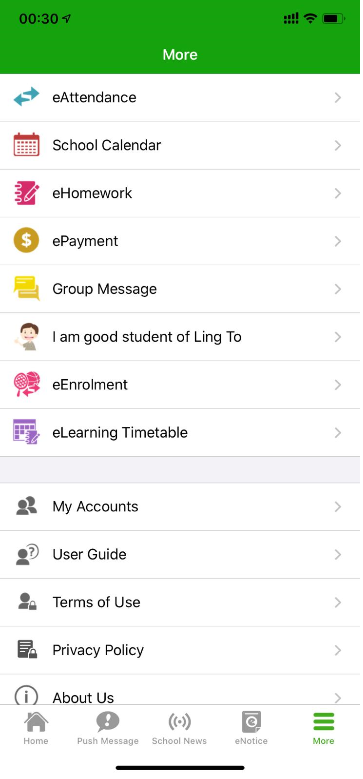
When logging in, please select:
天主教領島學校 / Ling To Catholic Primary School
-
The same account can be used on up to 5 devices.
-
Parents with more than one child, whether attending the same school or different schools, can manage their children's accounts through the same app.
-
Parents may change their password through either the web version or the mobile app. Please keep a secure record of the new password.
eClass Parent App User Guide
Common eClass Functions
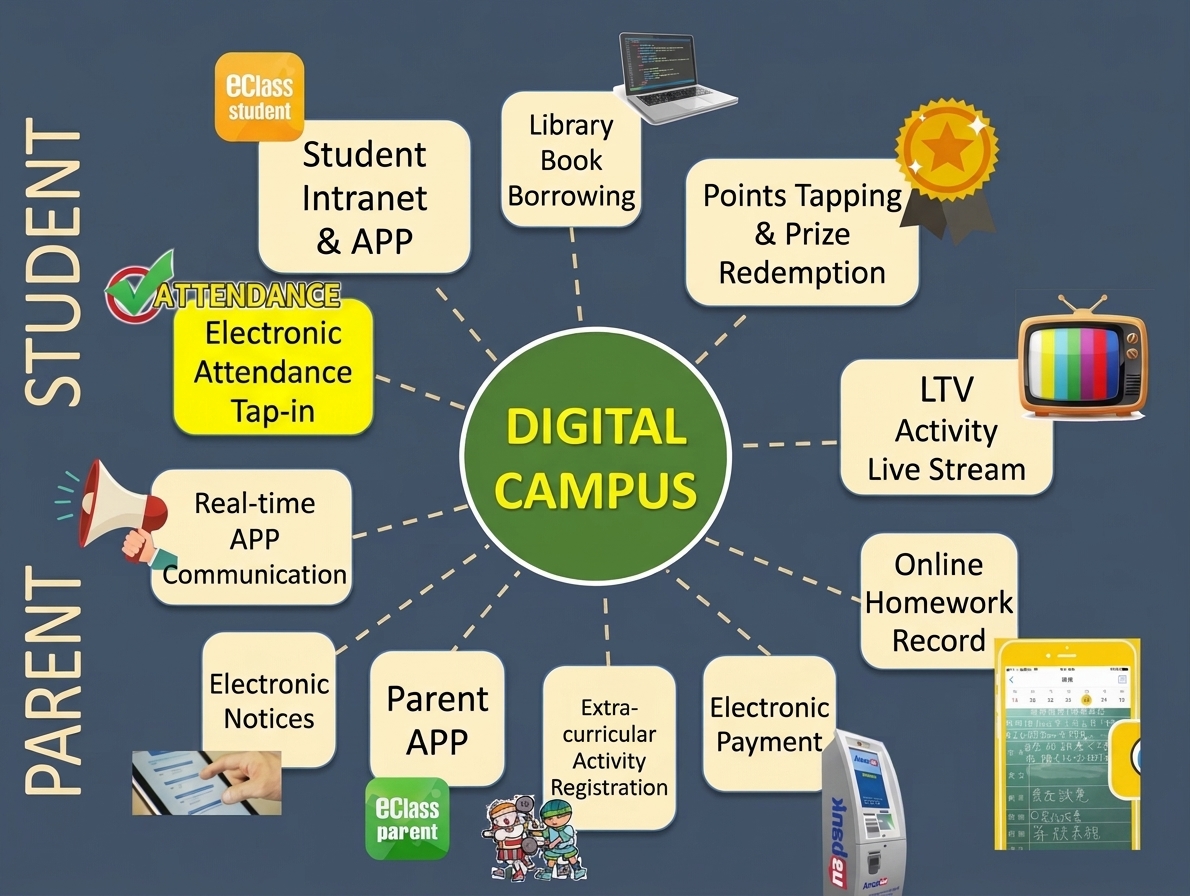
Function |
Parent App |
Student App |
|---|---|---|
Push Notification |
Parents can receive instant messages and notifications from the school. |
Students can receive instant messages and notifications from the school. |
e-Attendance |
Parents can check their child's arrival time at school. |
Students can check their arrival time at school. |
e-Notice |
Parents can read and digitally sign electronic notices. |
Students can read electronic notices but cannot sign them. |
e-Payment |
Parents can make electronic payments using their mobile phones. (Supports AlipayHK.) |
Electronic payment is not available to students. |
e-Handbook |
Parents can view the online homework diary. |
Students can view the online homework diary. |
e-Enrolment |
Parents can enrol their children in extracurricular activities. |
Students can view their extracurricular activity enrolment status but cannot make changes. |
e-Award |
Parents can view their child's accumulated points and reward redemption records. |
Students can view their accumulated points and redeem rewards online. |
e-Library |
Parents can read e-books and view their child's current loans and borrowing records. |
Students can read e-books and view their current loans and borrowing records. |